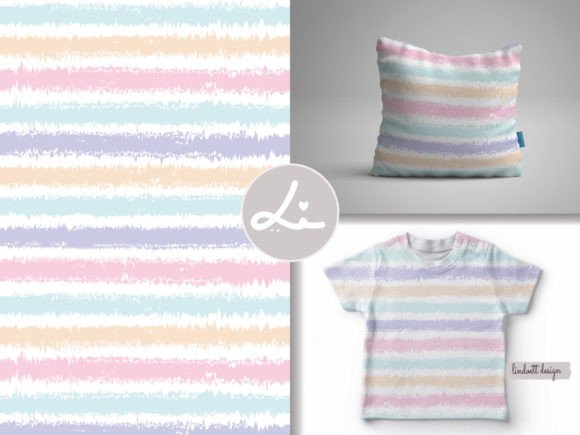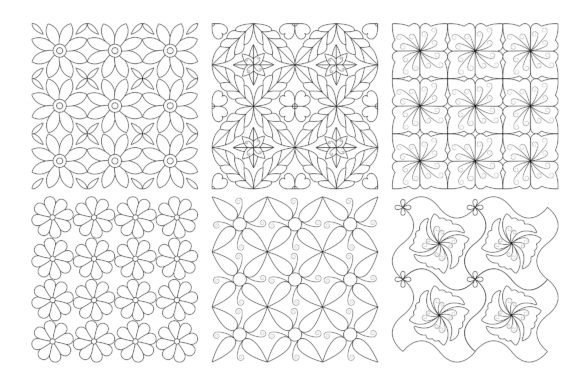
Geometric Patterned Background Set: A Practical Resource for Design Integration
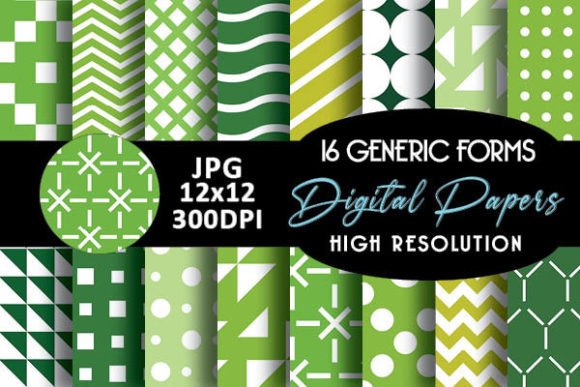
Designers, product developers, and visual communicators often face a recurring workflow bottleneck: sourcing high-quality, adaptable background assets that align with current aesthetics while supporting technical requirements. The Geometric Patterned Background Set addresses this directly—not as a novelty or trend piece, but as a functional component in repeatable creative processes. It’s built around Memphis-inspired geometry: bold shapes, asymmetrical layouts, vibrant contrast, and intentional imperfection—all delivered in vector format for precision scaling and editing.
Where This Set Fits Into Real Creative Workflows
This isn’t background art you drop in and forget. It’s designed to slot into stages where visual cohesion, brand consistency, and production efficiency intersect. For example, a small-batch apparel entrepreneur might begin fabric selection by testing pattern scale and color harmony against garment mockups—using the included EPS files to adjust spacing or recolor elements before final print approval. A wedding stationery designer may use the transparent PNGs to layer patterns beneath typography in Illustrator or InDesign, ensuring legibility remains intact across invitation suites, RSVP cards, and envelope liners.
Similarly, web designers integrating these patterns into UI backgrounds benefit from the high-resolution JPG and PNG variants—especially when exporting for retina displays or dark-mode interfaces. Because each file is vector-native (CC 6 compatible), adjustments like stroke weight, corner radius, or gradient fills happen non-destructively. That means one base pattern can evolve across multiple touchpoints without asset fragmentation.
Compatibility and Cross-Platform Usability
The file structure supports immediate integration: six EPS files for full vector control, six high-res JPGs for quick placement in raster-based tools (like Photoshop or Canva), and six transparent PNGs for layered compositing. No plug-ins, converters, or compatibility layers are needed. If your team uses Figma, you can embed the PNGs directly; if you’re in Affinity Designer or CorelDRAW, the EPS files import cleanly with editable paths and swatches.
This matters most during collaborative phases—when marketers need social banners, packaging designers require print-ready CMYK-safe versions, and developers request optimized web assets. With all formats included, handoffs avoid delays caused by reformatting requests or pixelation surprises at scale. There’s no “preview mockup” included, which keeps focus on the raw asset—ideal for professionals who build their own context rather than relying on pre-styled scenes.
Preparation Before Use
Before inserting any pattern into a project, assess three things: scale relative to the surface area, contrast against foreground content, and alignment with material constraints. A Memphis maze pattern that reads clearly on a tote bag may overwhelm fine text on a business card unless resized or simplified. Likewise, a bold yellow-and-black geometric motif works well on cotton jersey but may require tone-down for linen upholstery due to perceived texture clash.
Start by opening an EPS file in Illustrator and using the “Recolor Artwork” tool to test variations within your brand palette. Adjust the “Pattern Options” panel to preview tile boundaries and ensure seamless repeats hold up at different zoom levels. Save edited versions with clear naming conventions—e.g., Memphis_Blue_Red_02_Scale50—so version control stays intuitive across shared drives or cloud folders.
Implementation Across Physical and Digital Outputs
Because the set covers such a wide range of applications—from wood grain overlays to mobile cover templates—the key is matching output intent with file type:
- Apparel & textiles: Use EPS for screen printing separations or direct-to-film workflows; PNGs work for digital textile printing previews.
- Packaging & print collateral: EPS ensures crisp edges at any size—critical for die-cut boxes or foil-stamped invitations.
- Digital interfaces: Transparent PNGs allow subtle pattern layering behind interactive elements without obscuring functionality.
- Interior design visuals: High-res JPGs integrate cleanly into SketchUp or Revit renderings as decal textures for walls, rugs, or furniture surfaces.
A freelance graphic designer recently used the 90s-style Memphis pattern to unify a client’s rebrand across hoodies, Instagram stories, and café menu boards. By locking the core shape language across mediums—and adjusting only hue and density per context—they maintained visual continuity without repeating identical assets. That kind of adaptability stems from the set’s construction: each pattern is built as a modular tile, not a fixed image.
Long-Term Use and Asset Management
Vector-based pattern libraries age well—but only if organized deliberately. Store the original EPS files separately from edited variants. Tag them in your DAM system (or even a simple folder structure) with keywords like seamless, Memphis, 80s-maze, or doodle-geometric to speed up retrieval during future projects. Consider creating a lightweight style guide snippet for each pattern: note its optimal use case (e.g., “Best for large-format wall murals or sleeve prints”), minimum readable scale, and common color pairings tested during initial setup.
Also factor in licensing clarity: since all files are royalty-free for commercial use, you can embed them into client deliverables without additional permissions—provided you’re not reselling the patterns themselves as standalone assets. That distinction keeps legal review lightweight during agency contracts or freelance scope definitions.
Workflow Efficiency Gains
Time saved isn’t just about faster exports—it’s about reducing decision fatigue. When you have six distinct Memphis-aligned patterns ready to test against a layout, you spend less time hunting for “the right one” and more time refining hierarchy, spacing, and user flow. One educator building online course slides reported cutting background customization time by 40% after adopting the set: instead of building patterns from scratch in PowerPoint, they dropped in a scaled PNG and adjusted opacity to let content breathe.
For teams managing seasonal collections—like home goods brands launching quarterly pillow lines—the set enables rapid prototyping. Swap out one pattern for another across dozens of SKUs in under an hour, keeping production timelines tight and visual rhythm consistent. That kind of throughput depends less on individual skill and more on having reliable, editable source material.
Quality Control in Practice
Always verify tiling integrity before final export. Zoom in to 400% on a corner seam in Illustrator and check for micro-gaps or misaligned anchor points—especially after applying transforms. If you’re preparing for embroidery or laser-cut fabric, convert strokes to outlines and expand appearances first. And when exporting for web, run PNGs through a lossless optimizer like ImageOptim to maintain transparency without bloating file size.
Finally, treat the set as a foundation—not a finish. Its strength lies in how easily it invites iteration: rotate a shape, overlay a halftone, combine two patterns at varying opacities. That flexibility supports growth, not just execution. Whether you’re designing your first Shopify theme or refreshing a decade-old brand identity, the Geometric Patterned Background Set functions as both starting point and refinement tool—designed to move with your process, not dictate it.